Smart Reviews and FeedbackPro
The page asks for a rating first: happy customers continue to Google, unhappy ones reach a private feedback form only you see.
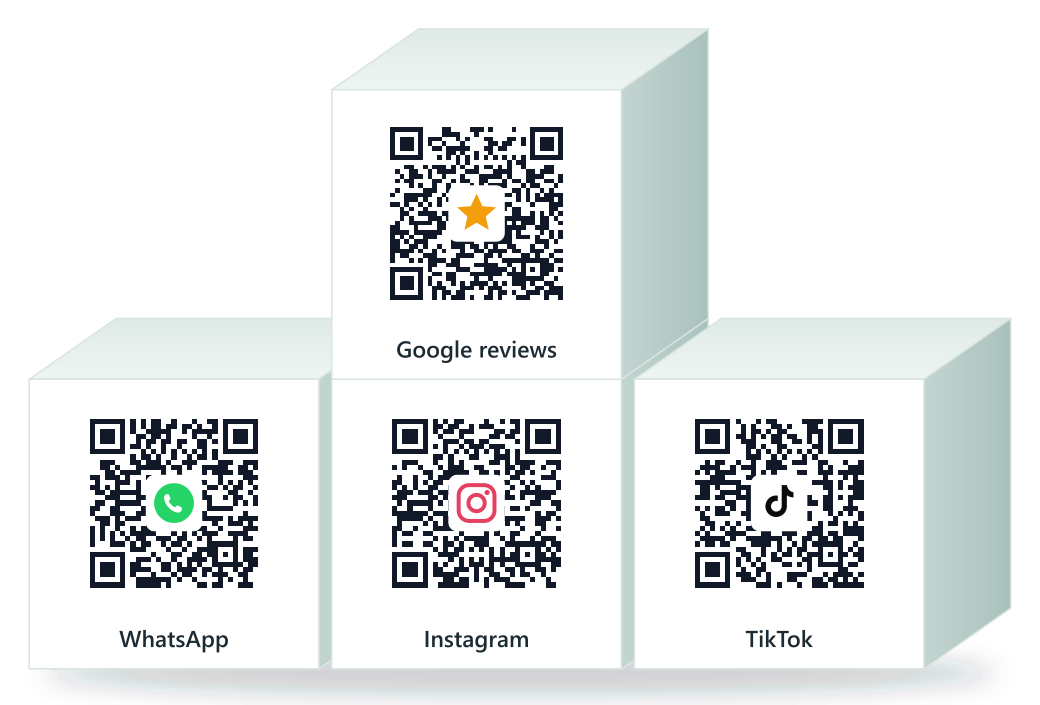
Smart Reviews do the asking. Plus free QR codes for Google reviews, WhatsApp and your socials — on one page with your hours, locations, services and directions.Your hours, locations, services and directions behind one link, plus a counter QR that does the asking.Print-ready codes for Google reviews, WhatsApp, Instagram and TikTok — with scan analytics for every code, so you know which one works.
Search your name above. Your page is probably already there, built from public listings.
Claim it free and it is yours right away — no documents. Fix the hours, add your WhatsApp, done.
Download a QR code card and put it where customers pay. Every customer who scans it lands on your Google review form.
How was your visit? 4–5 stars continue to Google Reviews; 1–3 stars become private feedback only you see.
A free page for your business, with call, WhatsApp, directions, hours, your Google review button, delivery apps and your menu; a QR code card for your counter; and free QR codes for your page, Google reviews, WhatsApp and your socials.
More reviews. More customers. Less work.
The page asks for a rating first: happy customers continue to Google, unhappy ones reach a private feedback form only you see.
Unlimited page and review codes per branch, with print-ready table tents and QR code cards. Your happiest customers review without being asked, and you see every scan.
Live and editable the moment you claim it: a verified badge, your business name in the link, and everything you sell behind the one link in your Instagram bio. Pro makes it fully yours: your logo and cover, a 10-photo gallery, custom link blocks, and BizBio branding removed.
Lifetime totals on Free. Pro adds daily trends per branch and per QR code, and shows monthly scans past 1,000 in full.
Scheduled offers on your page: Thanksgiving hours, a Black Friday deal, a late-night opening.
Scans, views and reviews, summarized in your inbox every week.
Eleven categories, each with its own template and the right buttons in the right order. Pick yours.
 BizBio for Restaurants & CafésStorefront template: directions and reviews lead
 BizBio for Barbers & GroomingStorefront template: directions and reviews lead
 BizBio for Salons & SpasStorefront template: directions and reviews lead
 BizBio for Health & WellnessStorefront template: directions and reviews lead
 BizBio for Sports & FitnessStorefront template: directions and reviews lead
 BizBio for Auto ServicesStorefront template: directions and reviews lead
 BizBio for Retail & SupermarketsStorefront template: directions and reviews lead
 BizBio for Nurseries & KidsStorefront template: directions and reviews lead
 BizBio for Family & EducationStorefront template: directions and reviews lead
 BizBio for PetsStorefront template: directions and reviews lead
 BizBio for Professional ServicesContact-first template: call and WhatsApp lead
$0/month
$9.99$8.25/month
$99 billed annually. That works out to about $0.27 a day.
Digital loyalty cards in Apple and Google Wallets, with no app download needed.
Contact us if you're interested in this →Update one central menu and every place it appears updates with it, with prices you can adjust per platform.
Contact us if you're interested in this →BizBio publishes pages for local businesses from public sources (name, category, hours, and location) so owners can claim and correct them. Until it is claimed, the page carries a clear notice that it is not yet managed by its owner.
Claim the page. Editing opens immediately and your corrections go live as soon as your claim is approved, usually within 24 hours.
Yes. We act on verified removal requests and never republish a removed business. A dedicated removal request form is coming; until then, claiming the page and contacting support achieves the same result.
Nothing. Claiming, editing, QR codes for every branch, and analytics totals are free forever.
You don't need to — claiming an unclaimed page makes it yours right away, no documents. We only ask for a business registration document if you're disputing a page someone else already manages; a person reviews disputes within 24 hours.
Yes, create one free. You pick your category, add your details and hours, and your page goes live right away — yours to edit, no documents needed.
Free covers the page, editing, unlimited QR codes, and lifetime analytics totals. Pro adds photo uploads (logo, cover and a 10-photo gallery), review capture, scheduled announcements, daily analytics trends per branch, removes BizBio branding, and shows unlimited scan counts in full.
One account can own multiple pages; each page has its own plan. Branch locations of the same brand share one page and one subscription.
Each branch gets its own QR that sends customers straight to that branch's Google review form. Print them for counters; every scan is counted in your dashboard.
Your QR codes keep working and every scan is still counted; the dashboard just shows "1,000+" instead of the exact figure. Upgrading reveals the full number, recorded all along.
It asks the customer for a rating first: happy customers continue to Google, unhappy ones reach a private feedback form only you see.